IRON NEST Demo Guide: What the Free PC Demo Can Verify
Where to download the free IRON NEST demo, what its official listing confirms, how to use it for controls and performance testing, and what not to assume about full-game carryover.
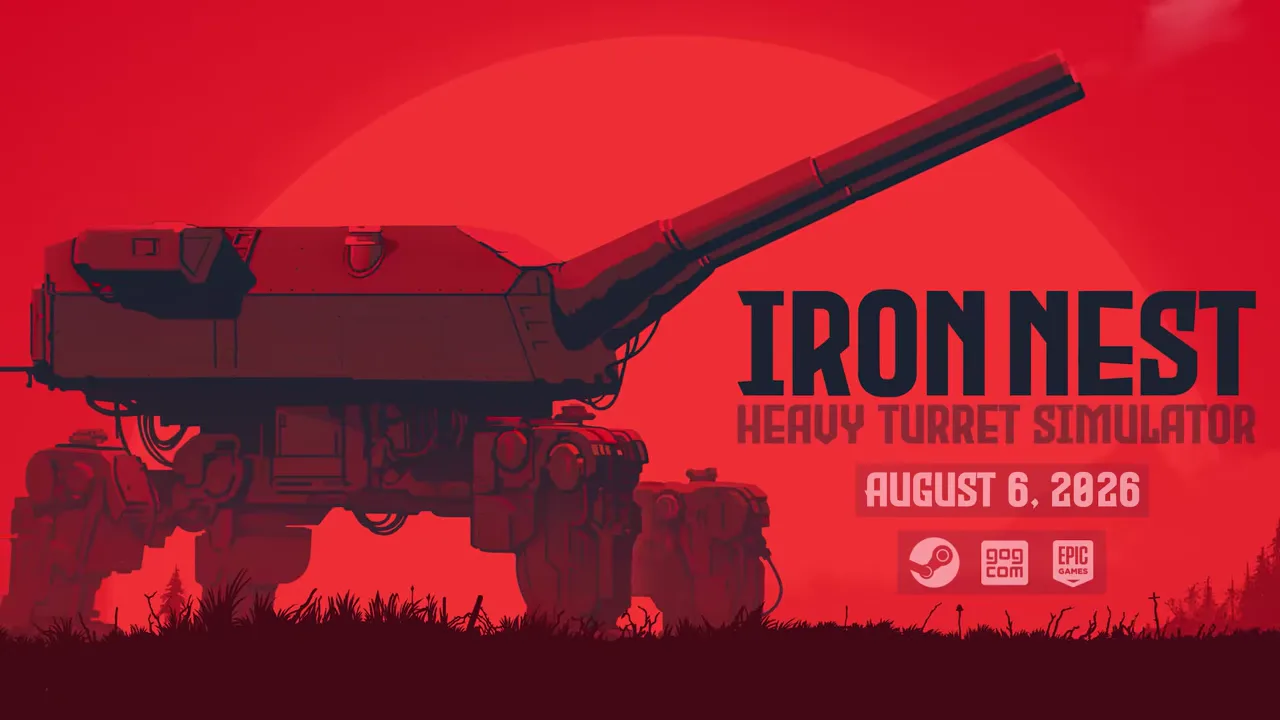
The IRON NEST: Heavy Turret Simulator demo remains the lowest-risk way to decide whether the game’s deliberate artillery procedure suits you and whether your PC can run it. Steam records the standalone demo as released on June 15, 2026 and currently offers an Install Demo action. The full game launched on August 6, so the demo is now a sample of a released product rather than a preview of an uncertain launch.
That distinction changes how the demo should be described. It can verify the feel of the core controls, the map–calculator–gun workflow and performance on your own hardware. It cannot, without direct evidence, prove the length of the full campaign, the contents of every region or whether progress transfers into version 1.0.
This guide focuses on claims that the official store pages and developer videos support. Our separate demo walkthrough is the place for mission-level instructions after those details are rechecked against the current demo build.
Where to download it
Use the standalone official Steam page for IRON NEST: Heavy Turret Simulator Demo, or open the full game’s Steam listing and follow its demo link. The official demo page labels it a free demo and provides installation through Steam.
Avoid downloads that repackage the executable, promise an “unlocked full game” or ask you to replace files. They are not necessary for testing and are not part of the official distribution documented here.
The image above is an attributed frame from the developer’s release-date video. It shows the full release card, not the demo storefront. The embedded video on this page is the separate official demo trailer.
What the official demo listing confirms
The demo page describes the same central premise as the full game: manual operation of a colossal dieselpunk artillery machine. It specifically presents teleprinter information, map measurements, ballistic calculation, powder charges, shell selection, gun laying and firing as the experience.
Steam classifies the product as single-player and as a game demo. The page records its June 15 release date and links to the full game. Those are current distribution facts.
The demo store description also repeats the full project’s broad feature list. Do not assume that every listed full-game feature—15 regions, all unlockables, the handcrafted story and challenge modes—is contained inside the demo. Store copy can describe the product family rather than enumerate the sample’s exact limits.
The core question the demo answers
IRON NEST is not a conventional first-person shooter with an unusually large gun. The operator moves among physical stations and preserves information through a procedure. An order becomes a target on the tactical map. Target range and selected powder charge become elevation. Bearing and elevation are transferred to heavy controls. Ammunition supplies the intended effect.
Some players find that chain satisfying because every successful shot is earned. Others prefer faster abstraction. A video cannot settle that preference as well as ten minutes operating the actual interfaces.
Use the first session to ask whether reading, measuring and physically configuring the machine feels rewarding—not whether you can finish as quickly as an experienced leaderboard player.
A sensible first-session plan
Begin by learning the room. Identify the teleprinter or order source, tactical map, ballistic calculator, loading area, traverse and elevation controls, and firing station. Do not memorize every decorative object.
Then complete one solution slowly:
- Preserve the target order and its source information.
- Locate the target on the map.
- Measure bearing and range from the current turret position.
- Choose the mission-supported shell and powder charge.
- Obtain required elevation from the calculator.
- Make the physical gun match bearing, charge and elevation.
- Fire and wait for outcome evidence.
If the sequence feels confusing, use our first firing solution guide rather than guessing at multiple stations.
Use the demo as a hardware test
The current full-game minimum targets an average of 30 FPS at 720p low settings and warns that configuration and thermals can change performance. A live demo test is stronger evidence than comparing a vague “Intel UHD” family label.
For a borderline PC, begin at 1280×720 and low settings. Reach active turret operation instead of judging only the title screen. Watch input response while the machine moves, frame-time consistency during firing and whether performance declines after the system heats up.
The demo cannot guarantee that every full-game region has identical load. It can confirm whether drivers, graphics hardware, CPU, memory and controls cooperate with the real engine on your system. See the system requirements guide for a more careful interpretation of the official table.
Practice accuracy before speed
The demo is useful for building a repeatable information chain. Label each target, keep turret-relative bearing and range together, and pair charge with elevation. Cross out obsolete values when a target or position changes.
Do not deliberately fire random misses as the old version of this guide suggested. A purposeful diagnostic exercise can be useful, but wasting ammunition or failing objectives without understanding the current mission rules teaches little. First produce a verified clean shot, then study a naturally occurring miss by preserving the settings.
Only after the procedure is reliable should you shorten movements or overlap tasks during turret rotation.
What can transfer to the full game
Control knowledge transfers conceptually: how to read an order, distinguish observer range from firing range, operate the calculator and audit a miss. Familiarity with the room also reduces the cognitive load of entering version 1.0.
The cited official pages do not promise that save data, mission completion, unlockables, medals or scores transfer. Do not buy the full game expecting a demo save import unless a current patch note or developer statement confirms it.
This distinction protects both expectations and save files. Knowledge is clearly portable; data transfer is unverified.
Demo versus full version 1.0
The full Steam page confirms a handcrafted story, procedural objectives, two challenge modes, leaderboards, 15 regions, 100+ medals and a combined set of 30 unlockable ammunition types and abilities. The demo page should not be used to claim access to that whole list.
Version 1.0 also carries the post-launch patch history and current store-supported features. The demo may be updated on a different schedule. Check the build version when comparing a control or performance result between them.
The official release card above documents the transition: August 6, 2026 is the full-release date. The demo remains useful, but it is no longer the newest statement of the entire game.
Accessibility and control checks
Use the sample to verify settings that matter personally: text readability, subtitles or interface language, key rebinding, mouse sensitivity, controller behavior and visual comfort. Store language tables confirm interface support but do not prove that every piece of in-world text is equally readable at every resolution.
Record specific problems with a station and action rather than saying only “controls feel bad.” A reproducible note—such as a binding conflict on the map—can be checked against the full build or reported constructively.
Do not assume accessibility options that are not visible in the current demo. Verify them directly.
If the demo differs from an older guide or video
Trust the current installed build. Developer trailers capture a specific development state, and fan guides may preserve controls or mission structure from June. Check the Steam update history and current interface before treating a discrepancy as a bug.
This wiki dates developer statements for the same reason. A pre-release plan is useful history but does not override version 1.0 behavior.
Bottom line
Install the demo from the official Steam page, use it to test the tactile firing loop and your actual PC, and treat it as a bounded sample. It confirms far more than a trailer can, but less than the complete campaign.
If the process of turning a paper order into a correctly configured 5,000-ton gun feels satisfying, the demo has answered its most important question. The full game is already released; the next decision is no longer whether to wishlist an upcoming project, but whether you want the broader story, procedural objectives, regions and challenge structure built around that machine.
Frequently asked questions
Is the IRON NEST demo still free?
Yes. As of August 9, 2026, the official Steam demo page provides an Install Demo action and the full game's store page also marks a demo as available.
When was the demo released?
Steam records the standalone demo release as June 15, 2026. The full game launched later on August 6, 2026.
Does demo progress transfer to the full game?
The official pages cited here do not promise save or campaign-progress transfer. Treat control knowledge and performance results as transferable; do not assume a save import without current developer confirmation.