IRON NEST System Requirements (PC): Can You Run Version 1.0?
The current official minimum and recommended PC specifications for IRON NEST, what the 720p target means, and how to test performance safely with the free demo.
IRON NEST: Heavy Turret Simulator has modest-looking official PC requirements, but a component list needs context before it can answer “Will this run well on my machine?” The minimum tier is explicitly tied to an average of 30 frames per second at 720p and low settings. It is a compatibility floor with a stated performance target, not a promise of smooth 1080p play on every computer described as “Intel UHD.”
The requirements below are taken from the current Steam listing after the August 6, 2026 version 1.0 release. They are no longer pre-release estimates. Steam also offers a free demo, which remains the most useful test for borderline hardware because it measures the complete system rather than one model number in isolation.
Official minimum requirements
| Component | Current Steam requirement |
|---|---|
| Operating system | 64-bit processor and operating system |
| Processor | Intel Core i5-4460 or AMD FX-8350 |
| Memory | 4 GB RAM |
| Graphics | Intel UHD or AMD Vega 8 |
| DirectX | Version 10 |
| Storage | 5 GB available space |
The official additional note defines the intended result: the minimum specification targets an average of 30 FPS at 720p on low settings. It also recommends a dedicated GPU for a smoother experience and warns that performance may vary significantly with system configuration and thermal conditions.
Those qualifications are important. “Average 30 FPS” allows individual moments to fall below 30. A laptop constrained by heat or power may perform differently from a desktop using hardware with a similar marketing name. Integrated graphics also share system memory, which makes memory configuration more relevant than the table alone suggests.
Official recommended requirements
| Component | Current Steam requirement |
|---|---|
| Operating system | 64-bit processor and operating system |
| Processor | Intel Core i5-8400 or AMD Ryzen 5 2600 |
| Memory | 8 GB RAM |
| Graphics | NVIDIA GTX 1060 6 GB or AMD RX 580 8 GB |
| DirectX | Version 10 |
| Storage | 5 GB available space |
Steam does not attach an explicit resolution or frame-rate target to the recommended tier. It would therefore be misleading to translate it automatically into “60 FPS at 1080p” or another exact promise. The safe conclusion is narrower: these are the developers’ recommended reference components, both of which are dedicated graphics cards with specified video-memory capacities.
How to read the CPU requirement
The minimum processors are older desktop parts from different architectures. A model newer than either is not automatically faster in every situation, but modern desktop CPUs with comparable core resources will usually be easier to evaluate through benchmarks or the demo. Laptop names are especially difficult to compare because power limits and suffixes matter.
IRON NEST continually represents a large mechanical interior, interactive stations and physics-driven action. The official page does not publish a CPU-thread target, so do not invent one from the visible machinery. If a system sits near the minimum, watch for frame-time instability while rotating the turret or operating several systems rather than judging only a quiet opening scene.
Background applications can also consume the minimum tier’s limited 4 GB of RAM. Close unnecessary browsers, launchers and capture software for a fair first test. That is general diagnostic advice, not an official requirement to disable specific software.
Why “Intel UHD” is not a precise GPU model
Intel UHD is a family label used across multiple processor generations and power classes. Two computers both advertising “Intel UHD Graphics” can have different execution resources, memory bandwidth and driver support. The Steam wording confirms that integrated graphics are within the developers’ minimum target, but it does not prove that every Intel UHD device meets that target.
AMD Vega 8 has similar variation across host processors and memory configurations. Because integrated GPUs use system RAM, single-channel versus dual-channel memory can affect available bandwidth. Thermal limits and whether a laptop is plugged in can also change sustained performance.
For these reasons, avoid websites that reduce compatibility to a green tick beside the words “Intel UHD.” Check the exact CPU and GPU reported by the operating system, update the vendor driver, then test the demo at the official minimum settings.
What 4 GB and 8 GB RAM mean in practice
Four gigabytes is the published minimum for the game, not necessarily a comfortable total for a modern operating system plus many background programs. If the computer has exactly 4 GB, close other memory-heavy applications and let the system finish updates before launching. Heavy disk activity during play may indicate the system is compensating for memory pressure.
Eight gigabytes is the official recommended amount. More memory does not substitute for an unsupported GPU or slow CPU, but it can reduce competition between the game, the operating system and background software. The Steam listing does not claim that IRON NEST uses all 8 GB itself.
Storage and installation headroom
The store page asks for 5 GB of available storage at both tiers. Keep more than the bare number free for downloads, temporary update files, shader or system caches and save data. The installed size may not equal the download size, and future patches can change either.
A solid-state drive is not listed as mandatory. We should not silently add one to the official table. An SSD may improve general loading and system responsiveness, but the requirement is simply 5 GB of available space.
DirectX and operating-system wording
DirectX 10 is the listed graphics API level. The page says a 64-bit processor and operating system but does not name a specific Windows edition in the captured requirements. Check the live Steam page if the developer later adds an OS version; store metadata can change after patches.
The listing is for the PC release on Steam. This page does not infer native macOS or Linux support from the low requirements. Compatibility layers, handheld PCs and community configurations require their own current verification.
The best test: use the free demo
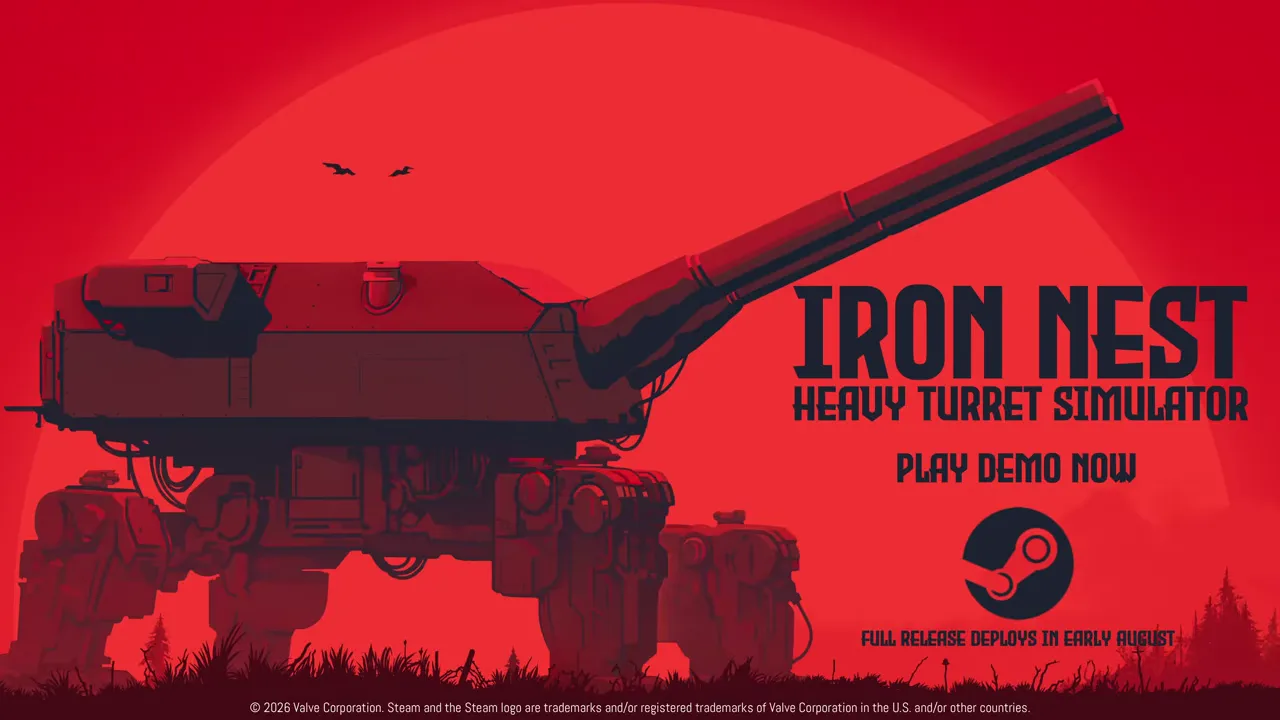
The official demo has its own Steam page and can be installed without purchasing the full game. It is stronger evidence than a paper comparison because it tests drivers, memory configuration, thermals and the actual rendering workload together. The image above comes from the developer’s official demo trailer.
Start at 1280×720 with low settings if the computer is near minimum. Play long enough to reach active turret operation rather than judging only menus. Note frame rate, input response, audio stability and whether performance declines after the machine heats up. Then raise one setting or resolution at a time.
The demo is not guaranteed to reproduce every full-game region or late operation, so a stable demo does not mathematically prove identical performance everywhere. It does provide a much better compatibility signal than guessing from a product family.
A safe troubleshooting sequence
If performance is below the published target, confirm the game is using the intended GPU, especially on laptops with both integrated and dedicated graphics. Plug the machine into power, select an appropriate performance profile and update graphics drivers from the hardware vendor. Return to 720p low, close overlays or capture tools temporarily and retest the same scene.
Change one factor at a time. Otherwise a sudden improvement cannot be attributed to a specific setting. Monitor temperature and clock behavior if the computer slows after several minutes; the Steam note explicitly identifies thermal conditions as a source of variation.
Do not download unofficial “performance patches” or replacement executables merely because a site claims to unlock low-end support. The official demo and normal settings are the appropriate first tools.
Bottom line
IRON NEST’s published floor is accessible by modern-game standards: 4 GB RAM, DirectX 10-class graphics and 5 GB of storage. The precise promise is limited to an average 30 FPS at 720p low on the reference minimum, with configuration and thermals able to change results. The recommended tier moves to 8 GB RAM and established dedicated GPUs but carries no official frame-rate label.
Use the table to identify obvious mismatches, then use the free demo to answer the question on the hardware that actually matters—your own.
Frequently asked questions
What are the minimum PC requirements for IRON NEST?
Steam lists a 64-bit processor and operating system, Intel Core i5-4460 or AMD FX-8350, 4 GB RAM, Intel UHD or AMD Vega 8 graphics, DirectX 10 and 5 GB available storage. The official note says this minimum targets an average of 30 FPS at 720p on low settings.
What are the recommended specifications?
Steam lists an Intel Core i5-8400 or AMD Ryzen 5 2600, 8 GB RAM, NVIDIA GTX 1060 6 GB or AMD RX 580 8 GB, DirectX 10, 5 GB storage and a 64-bit processor and operating system.
Is there a safe way to test an older PC?
Yes. Steam offers a free IRON NEST demo. Running the same public build on your actual hardware is stronger evidence than comparing a vague GPU family name alone.