IRON NEST Achievements and Medals Not Updating: Preserve the Evidence
A cautious troubleshooting process when an expected IRON NEST Steam achievement or in-game medal does not appear: separate the two systems, record the trigger context and avoid destructive recovery attempts.
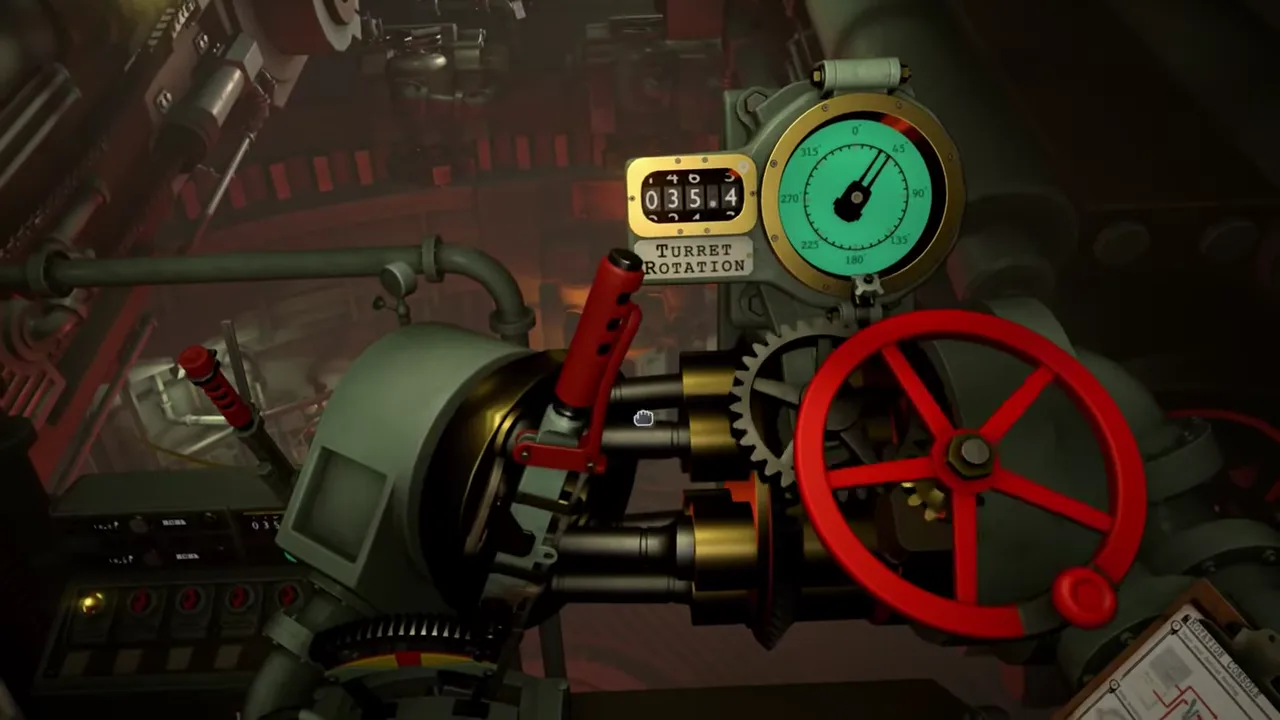
IRON NEST’s current Steam listing identifies 33 Steam achievements and separately advertises more than 100 unlockable medals. Those are not two names for the same progress system. If an expected notice does not appear, begin by identifying which record you expected to change: a Steam achievement, an in-game medal, a challenge score, an ability/unlock state or a mission completion state.
The wrong response is to erase or overwrite progress in an attempt to force a notification. The right response is to preserve the context, compare it with the exact condition you actually met and let the current Steam client or game interface provide the next evidence. This guide avoids inventing an unlock chart the public product text does not publish.
Name the missing record
A Steam achievement is a platform item. It may appear through the Steam overlay, client or achievement page. A medal is an in-game recognition item advertised by the game’s feature list. A mission completion update, leaderboard result or newly visible ammunition/ability state is another kind of result again.
Start by writing: “I expected a Steam achievement named X,” or “I expected an in-game medal after Y.” If you cannot name it, you may be reacting to a general expectation rather than a documented trigger. The current Steam page confirms the two counts but does not list a complete one-to-one map between achievements and medals.
See Steam achievements and in-game medals for the evidence model. It is important because a missing platform toast can coexist with a valid in-game reward, and an in-game medal can appear without being a Steam achievement.
Preserve the mission state first
Before restarting, record the game version, platform, account, mission or mode, objective text, selected difficulty/conditions if shown, target outcome, any score or leaderboard state, and the time of completion. Capture the final objective screen and any reward area where allowed.
Then describe the actual result. Did the objective complete? Did a new message appear? Did a medal screen remain unchanged? Did Steam show an offline state or an overlay issue? Did the achievement page show a progress value? The precise difference matters.
Do not rely on an old online guide for a trigger condition unless it links a current source or an exact current-build observation. A current Steam achievement may be hidden; an in-game medal may have a condition not listed in the store text; a challenge may require a particular mode. The observed interface and record from your session are the correct starting point.
Verify normal Steam conditions
For a Steam achievement, confirm that you are using the intended Steam account and that the client is online. Check the game’s achievement page after the session, not only the momentary overlay. Let Steam complete any pending client work before concluding that the event failed.
Steam Support provides platform-level troubleshooting for achievement behavior. Use it for current client and account questions rather than treating a game wiki as a substitute for account support. The official IRON NEST listing confirms that the game has Steam achievements; it does not document every client-side condition that can delay or prevent a platform notification.
Do not disable or reinstall software at random. Preserve the state, check the client and make one controlled test if the exact requirement is known.
Verify the in-game medal evidence separately
For a medal, return to the current in-game progress or medal interface. Look for exact names, filters, newly unlocked markers, counts or associated descriptions. If the game does not visibly state a trigger, do not invent one from timing. A medal that appears after a mission may be tied to completion, an optional condition, a score, a story event, a hidden state or another record.
The official product text’s “100+ medals” claim establishes scale, not a spreadsheet. A single player observation can establish that a named medal appeared in a specific context; it cannot establish that context as a universal condition until repeated or explicitly documented.
If you suspect the medal did not register, compare before-and-after screens from the same version. Preserve the objective and mode. A report that says “Medal X remained locked after completing the displayed condition Y in mode Z” is actionable; “medals are broken” is not.
Do not merge challenge and story conditions
IRON NEST advertises a handcrafted story, procedurally generated objectives, two challenge modes and leaderboards. These contexts may have different recognition pathways. The public product page does not say that a story completion automatically counts for every challenge item or that every leaderboard result yields a medal.
When you reproduce a suspected issue, use the same mode and conditions. Do not switch from a procedural objective to a challenge and assume the reward logic should match. Record the mode name exactly. If the game labels a task differently, retain the label rather than translating it into a generic “mission.”
This keeps useful evidence from becoming a false all-mode claim.
Re-test only when you have one hypothesis
Once you have a record, choose one reason to re-test. Perhaps the current objective did not actually complete. Perhaps the Steam client was offline. Perhaps you used a different mode than the achievement description requires. Perhaps the in-game screen shows a missing prerequisite.
Change one variable and repeat under controlled conditions. If the second attempt differs, you have evidence about that variable. If it does not, you have a reproducible report. If you change score, mode, target, difficulty and client state all at once, a later success will not tell you why.
Avoid replaying a story mission solely to force a notification if the game has not made the condition clear. You may create additional divergent state without learning anything about the original event.
Cloud and device context
The Steam listing also includes Steam Cloud. Cloud support is relevant to saves, but it is not proof that achievements and medals update identically across devices. A current achievement is stored through the platform; an in-game medal may be tied to game data; a save sync may have separate timing. Do not assume a cloud conflict explains every missing record.
If you switched devices, document which device last had the expected progress, whether Steam finished syncing and whether the in-game medal or Steam achievement differs. See Steam Cloud and saves for preservation-first guidance. Never delete local data merely because a notification did not appear.
A useful support report
If a clearly documented condition repeats without the expected record, report:
- exact achievement or medal name, or state that no name is shown;
- game version, Steam account/platform and online status;
- mission/mode/objective and any displayed condition;
- before-and-after screenshots where safe;
- whether mission completion, score or another notice occurred;
- controlled reproduction steps;
- whether Steam, in-game medals or both are affected.
Keep interpretation out of the report. Developers and platform support can investigate a reproducible event; they cannot act on an assumption that the game “should have” rewarded a condition never documented.
The dependable conclusion
IRON NEST’s 33 Steam achievements and 100+ advertised in-game medals are separate systems. When an expected reward does not appear, identify the record, preserve the exact mission and platform context, check current Steam/in-game status and re-test one hypothesis at a time.
Do not destroy saves or combine unrelated progress signals. A clear before-and-after record is the fastest route to a real answer—and it keeps a missing toast from becoming a needless loss of progress.
Frequently asked questions
Does a missing Steam achievement prove that an in-game medal failed too?
No. Steam achievements and the advertised 100+ in-game medals are distinct systems with different counts and potentially different triggers. Record each result separately.
Should I replay a mission immediately if no reward appears?
First confirm the exact current condition, objective outcome and platform status. Replaying without a record can make it harder to identify whether the first attempt met the requirement.