Machine Failures and Recovery
Confirmed failure pressure and evidence-led recovery
What IRON NEST officially confirms about machine failure, how to distinguish an operational fault from an input or mission-state problem, and how to record recovery without inventing a repair simulator.
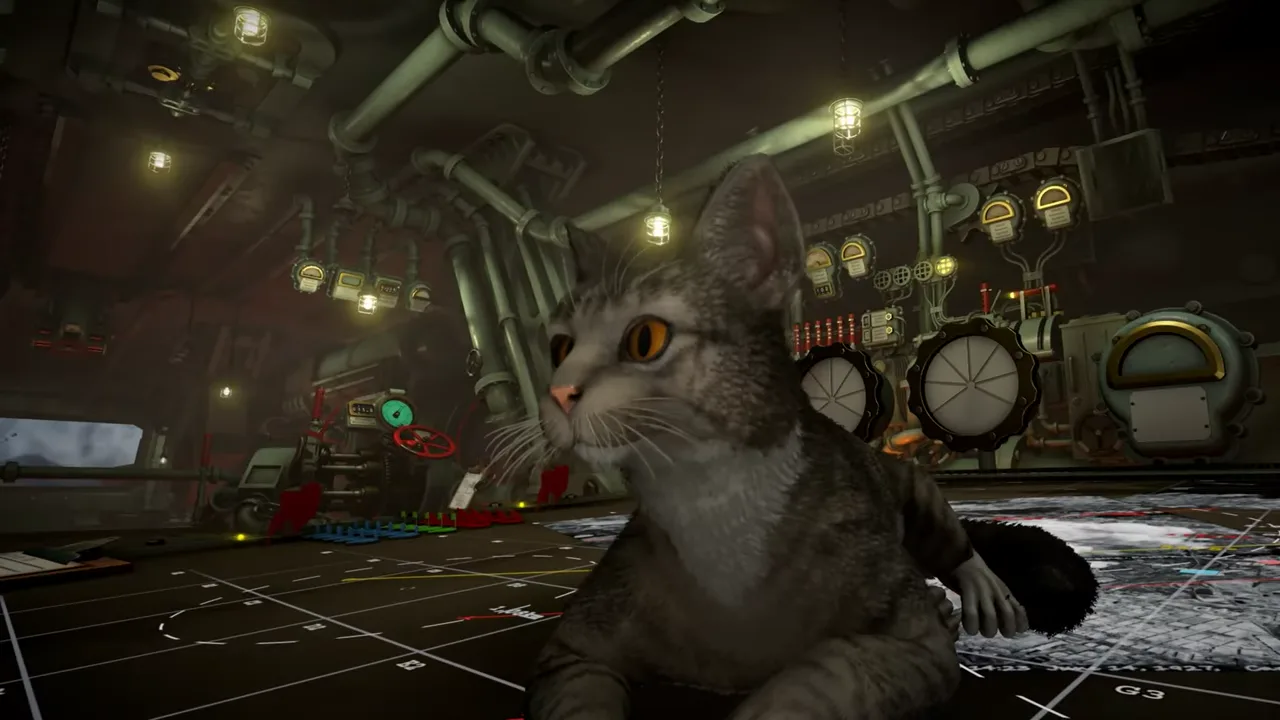
A machine can fail; a diagnosis should not.
IRON NEST’s current Steam description gives one important warning in plain language: “Beware: the machine may fail. You must not.” That is a confirmed part of the game’s operator fantasy. The Iron Nest is not presented as a frictionless aiming device; it is a huge, manually operated system in which information, calculation, physical controls and mechanical pressure coexist.
The phrase does not publish a complete repair manual. It does not say exactly which components can fail, how often they fail, what triggers them, whether every mode uses the same model, how long recovery takes, or which parts need a particular action. Those details must come from the current build and be recorded in context. This page gives a disciplined way to recognize and document a fault without mistaking any blocked interaction or failed shot for an undocumented mechanical system.
Failure is a system state, not a mood
In a game full of noisy mechanisms and high-pressure messages, it is easy to interpret every delay as a breakdown. Begin with visible evidence. A true fault may present a specific alert, changed prompt, disabled station, abnormal indicator, mission message or repeatable behavior that differs from the normal state. A difficult calculation, a missing prerequisite, a wrong map target or a controller-focus problem is not automatically a machine failure.
State the symptom narrowly. “The elevation control did not move after a message appeared” is useful. “The turret is broken” is not yet a diagnosis. Record the mission, current objective, station, displayed prompt, selected ammunition state, current input device and any warning text. This lets you distinguish a physical-system event from an ordinary handoff error.
The official listing establishes the possibility of failure; it does not relieve the player of establishing which system is actually failing in a particular run.
Rule out mission and information state first
IRON NEST’s normal workflow has several dependencies. Reports define the problem. The tactical map establishes a target. The calculator relates range, charge and elevation. Gun controls execute bearing and elevation. A station may not respond because the mission has not reached the relevant stage or because an earlier value is absent or inconsistent.
Before searching for a repair action, re-read the current directive and confirm the previous handoff. Is the target point accepted? Is the current Iron Nest position known? Does the calculator have the range and shell state you intended? Does the task actually require that control now? Has a new report changed the objective?
This is not a claim that every lock is intentional. It is the least destructive diagnostic order. A real fault remains a real fault after its prerequisites are checked; a missing predecessor often becomes obvious without a reset. See controls and inputs troubleshooting for device and interaction checks.
Distinguish input problems from machine problems
Input issues are external to the fictional machine state. They can arise from keyboard layout, controller focus, Steam Input, overlays, a suspended session or a mapping change. They often affect multiple controls or menus. A machine-specific fault should be connected to a visible station, a current mission state or an explicit message inside the game’s world.
Test one simple UI interaction before assuming a breakdown. Can you open a menu, move the pointer or confirm a noncritical prompt? If not, inspect the input device. If only one current station behaves differently and the game shows an in-world warning, preserve that warning and investigate the station.
Do not remap every command while an alleged fault is active. Change one variable at a time. A new layout can hide the original condition and create a second problem that looks like more machine damage.
Current-build recovery evidence
If the game presents a recovery instruction, treat it as the authority for that build. Record the exact wording, required steps, component name, mission context and outcome. If it asks you to go to another station, preserve the order. If it clears after a visible action, note the before-and-after state. If it recurs, record what happened immediately before it.
This evidence can support a careful page update: “In build X, during mission Y, the interface displayed Z and recovery required A.” It cannot by itself support “all failures are caused by A” or “this is the universal repair loop.” Repeatability, mode and version matter.
The pre-release developer Q&A discussed maintenance ideas, but pre-release discussion has lower authority than the released interface. It may explain a design direction; it cannot specify current behavior where the game differs or remains undocumented.
Preserve the operational record
Failures are most frustrating when they erase a solution you just built. Keep a compact card while you operate: target, current turret position, range, bearing, shell state, charge and elevation. If a fault interrupts you, you will know which values must be rechecked after recovery.
Do not blindly reuse everything. A fault event may coincide with a new report, changed mission state or turret movement. Once the station is available again, validate the objective and current map position first. Then verify calculator and gun state. A recovered machine can still fire an obsolete solution if you skip the information layer.
This is why recovery belongs to logistics and fire control at once. The physical machine matters, but it remains part of an evidence chain.
When a failure is a bug report
If a visible fault has no viable recovery prompt, repeats under the same conditions, blocks all progress or differs from clear current instructions, make a report rather than inventing a workaround. Include platform, game version, mission/mode, objective, station, input device, exact warning, reproducible steps and what you attempted. A short image or clip of the prompt can help if it does not expose personal data.
Avoid claiming that a specific subsystem is “corrupt,” “bugged in all missions” or “unwinnable” until you can reproduce and compare it. A report should describe observed behavior. Developers can use that better than a theory about the internals.
A recovery card
When the machine appears to fail:
- Stop changing multiple settings.
- Capture the warning, station and current objective.
- Check whether the issue is input-wide or station-specific.
- Confirm the preceding mission and information state.
- Follow the current visible recovery instruction if one exists.
- After recovery, validate current turret position and active target.
- Recheck shell, charge, elevation and traverse before firing.
- Record recurrence conditions for a report.
The goal is not speed; it is preserving evidence while pressure is high.
The dependable conclusion
IRON NEST officially confirms that the machine may fail. It does not publish a full public repair specification. Treat a suspected failure as an observable state: separate it from mission prerequisites and input issues, follow current on-screen recovery guidance, and record the exact context.
The most reliable operator response is not a guessed repair ritual. It is a clean diagnosis, a preserved firing record and a fresh validation of the chain after the machine is back in service.