How to Report a Reproducible IRON NEST Issue
A careful reporting workflow for IRON NEST input, mission-state, display and performance problems that separates a repeatable observation from a guessed hidden mechanic.
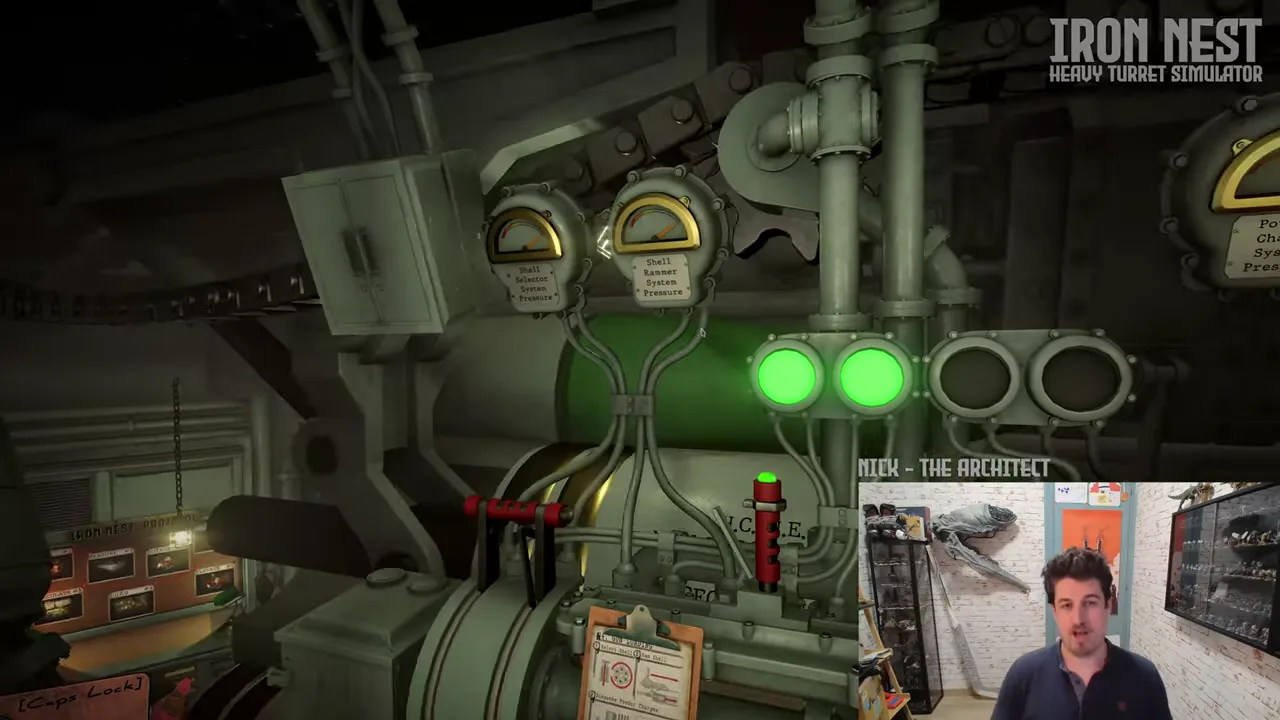
An effective IRON NEST issue report is not a long argument about what the game “must” be doing internally. It is a compact record of something that happened, the context in which it happened and a way for another person to check it. That standard is particularly helpful for a game whose official description includes connected stations, teleprinter reports, an interactive map, ballistic calculation, physical artillery controls, aerial photographs and possible mechanical failure. When several stages contribute to one outcome, a vague report can accidentally blame the wrong stage.
The current Steam page establishes that IRON NEST is released in full and identifies its public product features. It does not publish a universal support triage script, every keybind, a complete mission-state diagram or a list of all known defects. This guide therefore does not promise a particular developer response or prescribe destructive recovery steps. It explains how to turn a confusing result into evidence that can be checked in the current build.
First decide what kind of observation you have
Begin with the visible symptom, not a diagnosis. “The map marker did not appear after this interaction” is an observation. “The mission generator is broken” is a conclusion. “The elevation setting changed after I switched stations” is an observation. “The game secretly resets all values” is a conclusion that needs more evidence. Keeping those statements separate makes a report useful even if the cause turns out to be an input conflict, a misunderstood objective, an incomplete setup or a software defect.
Classify the symptom in ordinary language. Is it an input or interaction problem? A display or UI problem? A calculation or configuration mismatch? A mission state that did not visibly progress? A performance problem? A save or Steam Cloud conflict? A mechanical failure that was shown in-game? The category is not a verdict. It is a way to collect the right context.
For example, the Steam listing confirms that manual turret work includes reports, a map, a ballistic calculator, ammunition, charges, elevation and traverse. A report about a bad shot should state which of those stages was actually completed and which result was visible. It should not omit the shell and target state, then insist that only the calculator could be responsible.
Record the current version and environment
Write down the game version or build identifier visible in the current installation, the platform, operating system, display mode and relevant control device. If the issue is performance-related, record the graphics preset, resolution, active overlays and whether the problem happens in a repeatable scene. If it is input-related, identify keyboard, mouse, controller or another device without assuming that every input method has identical behavior.
This is not needless bureaucracy. Store pages, demos, patches and local settings can change over time. The official Steam product page is the right reference for currently advertised platform features, but it cannot tell a developer what your machine, configuration or input state looked like at the moment a station stopped responding. A short environment record preserves that missing context.
Avoid publishing private account identifiers, purchase information or unrelated logs in a public post. The useful details are the ones another player can use to recreate the conditions: build, scene, settings, device, steps and visible result.
Describe a minimal route to the symptom
The best reproduction steps start from a stable state and remove unrelated actions. Write the smallest sequence that you believe produces the problem. For a map issue, begin with the briefing or report that leads to the map action, then list the clicks or interactions, then state what marker or feedback should appear. For a firing configuration issue, begin with the target relationship, list the selected shell, charge, elevation and traverse state, then describe what happened after the confirmed action.
Use numbered steps when possible, but do not pad them with guesses. A clear sequence might be: launch the current build; load a specified mission or scene; read the named report; open the map; perform one stated action; return to the station; observe the displayed value. Then state whether the result occurs again after a fresh restart. This allows a reviewer to distinguish a one-off state from a persistent reproduction.
If the symptom appears only after a long session, record that honestly. “Not reproduced after a fresh launch; appeared after approximately forty minutes and two mission transitions” is more useful than pretending the issue has a five-step reproduction. Repeatability can have degrees, and a good report communicates that uncertainty.
Preserve expected and actual results separately
Every report needs two short sentences: what you expected from the visible instructions or prior state, and what actually happened. The expectation should be grounded in the current interface, a known control label, an explicit objective or a confirmed Steam feature. Do not use a rumor, a pre-release statement or another game’s convention as the standard without saying so.
For an objective state, quote or summarize the exact current objective wording. For an input state, identify the on-screen prompt or control context. For a performance issue, record a measurable observation such as a visible stutter when a setting is changed, along with whether the result persists. For a save issue, record the safe observable state without overwriting files or forcing a sync conflict merely to make the report more dramatic.
The actual result should be similarly concrete. “No interaction prompt appeared,” “the displayed setting remained at the previous value,” “the aerial image showed an impact away from the plotted marker,” or “the mission text did not visibly update” are all useful. “It is broken” is a headline, not evidence.
Capture supporting evidence without creating new risk
A screenshot or short video can be valuable when it shows the relevant UI, objective wording, map mark, configuration or warning. Before capturing it, remove personal notifications and credentials. Name the files with the date and a neutral description so they remain connected to the written steps. If a clip is large, note its time range rather than expecting someone to inspect an unedited hour of gameplay.
For an artillery result, a useful evidence set may include the report context, map position, calculator-related settings, gun state and aerial outcome. This does not mean every report must include a pile of images. It means the selected evidence should allow a reviewer to see the handoff where the expectation diverged from the result.
Do not alter save files, reinstall the game, delete local data or force cloud synchronization before preserving the initial evidence. Those steps may be appropriate later only when you understand their impact and have a backup, but they can erase the best clue about the original state. A report is strongest when it describes what happened before recovery attempts changed the scene.
Use controlled retests, not random resets
After a first observation, change one plausible variable at a time. If a target seems wrong, verify the map mark before changing the charge and elevation. If a button seems unresponsive, verify the current station, input device and prompt before concluding that a mission rule blocks it. If a result changes after a fresh restart, record that fact rather than silently treating the restart as a fix.
This mirrors the published game structure. Reports, maps, calculator inputs and physical controls are linked but not identical. A controlled retest helps locate the boundary. A random reset can make a problem disappear while offering no information about why it happened.
When you cannot reproduce the symptom, report that too. A non-reproducing issue is still useful if it includes the original context and says what was tried. It is better evidence than a confident but unsupported explanation.
Where to place the report
Use the current official channels linked from the Steam product page or the official website, and follow the rules shown there at the time of reporting. This guide deliberately does not name a permanent issue tracker, email address or response guarantee because those details can change. A Steam community discussion can be useful for checking whether others see the same behavior, but a public thread is not a substitute for a clean reproduction record.
Lead with a descriptive title, such as “Map marker remains absent after [named action] in [current version]” rather than “urgent bug.” Include the minimal steps, expected result, actual result, environment, repetition rate and attached evidence. If you have a hypothesis, put it at the end and label it as one.
A dependable reporting template
Use this compact structure: current version and platform; issue category; minimal reproduction steps; expected result; actual result; repetition rate; relevant settings or devices; safe supporting evidence; and any recovery attempts already made. For a mission or artillery issue, add the report source, target mark and configuration state that matter to the observed result.
That template does not guarantee a fix. It does something more immediate: it prevents a complex operator workflow from becoming an uncheckable anecdote. A reproducible report gives players, maintainers and future wiki editors a shared description of the problem without pretending to know more than the evidence supports.
Frequently asked questions
What makes an issue report reproducible?
Another person can follow the same version, context, input sequence and conditions and observe the same result or a clearly documented difference.
Should a report claim what hidden system caused the problem?
No. Describe the expected and observed result, then label any explanation as a hypothesis unless the current interface or official documentation proves it.